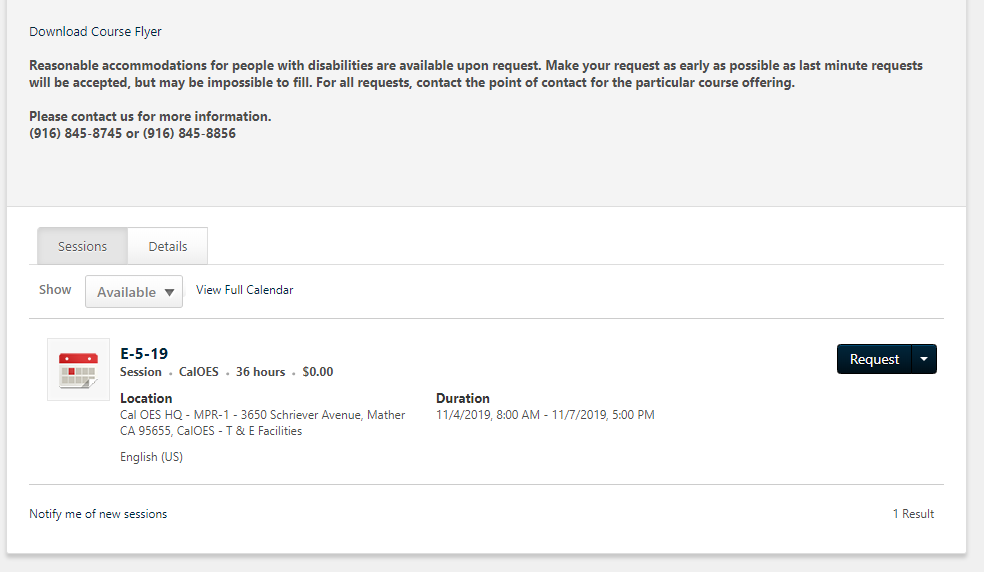
The location where a course will be held can be found on each session below the Event in the Browse for Training section of the LMS.
To locate a specific Event and Session select the Browse Training button on the home page or navigate to the Browse For Training page via the site menu. Locate the specific Event name you are interested in and scroll to the bottom to see available session dates: The sessions listings show the training location.
Your registration confirmation email (if approved to attend) will contain specific information about the course, dates and times as well.